← Konnect Software Suite

Coming soon · Windows PC / Server · Browser UI

KonnectReports

On-prem industrial reporting from PLC to scheduled PDF

Connect Rockwell, OPC UA, or Modbus sources, log tags to a historian, design report templates, and generate on-demand or scheduled PDFs—all on your plant network.

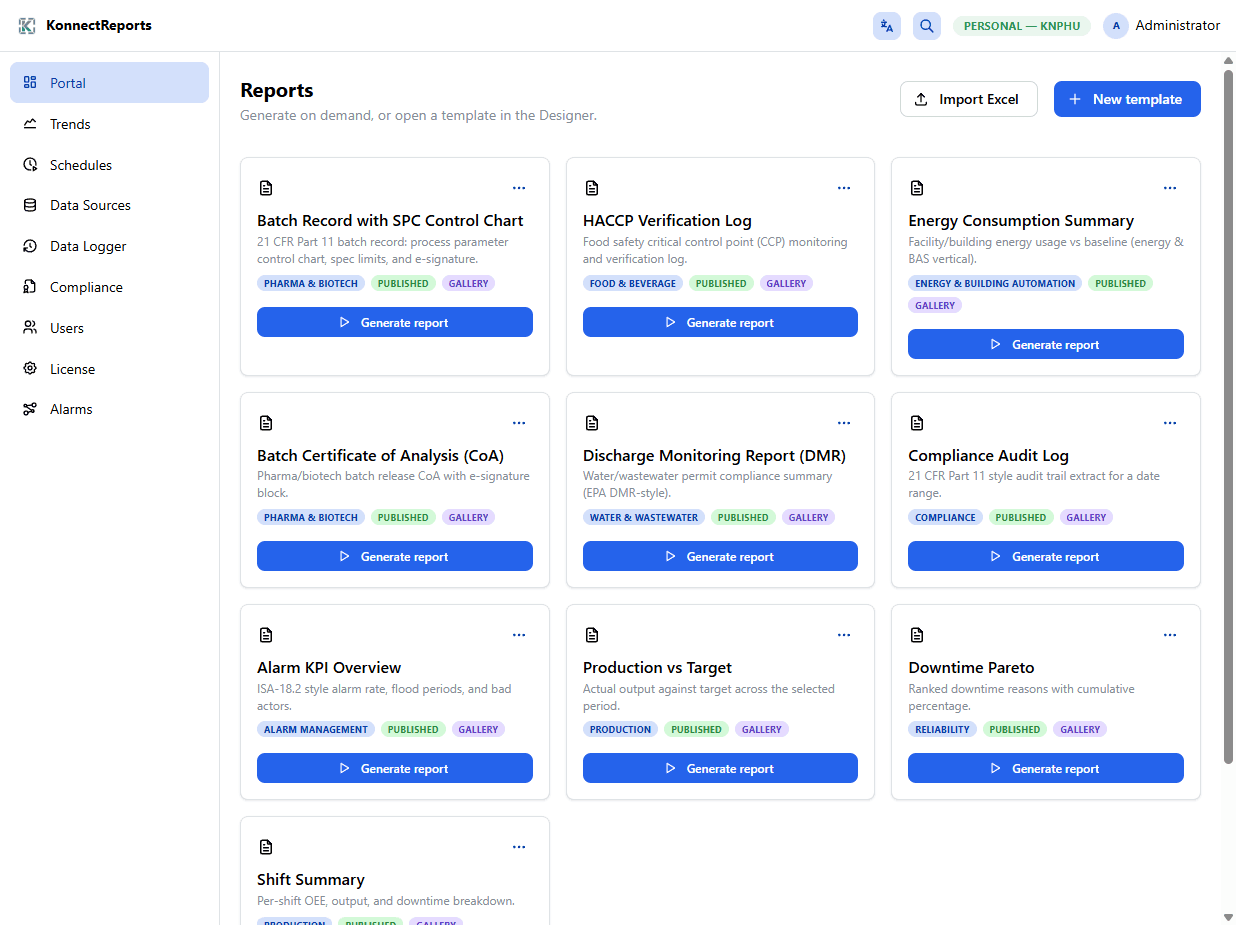
KonnectReports portal with industrial report templates

Capabilities

  • PLC / OPC UA / Modbus data sources with tag browse
  • Data logger groups into an on-prem historian
  • Trends, schedules, and portal report generation
  • WYSIWYG report designer with industrial template starters
  • Compliance-oriented audit and batch report patterns
  • Browser UI with role-based access on your network
Typical plant jobs

  • Log PLC tags into an on-prem historian for shift PDFs
  • Generate batch, HACCP, DMR, and alarm KPI style reports
  • Schedule email/PDF delivery without a cloud SaaS
  • Keep compliance templates on your plant network

How teams use it

  1. 01

    Connect sources

    When available, add Rockwell, OPC UA, or Modbus endpoints and browse tags.

  2. 02

    Log to historian

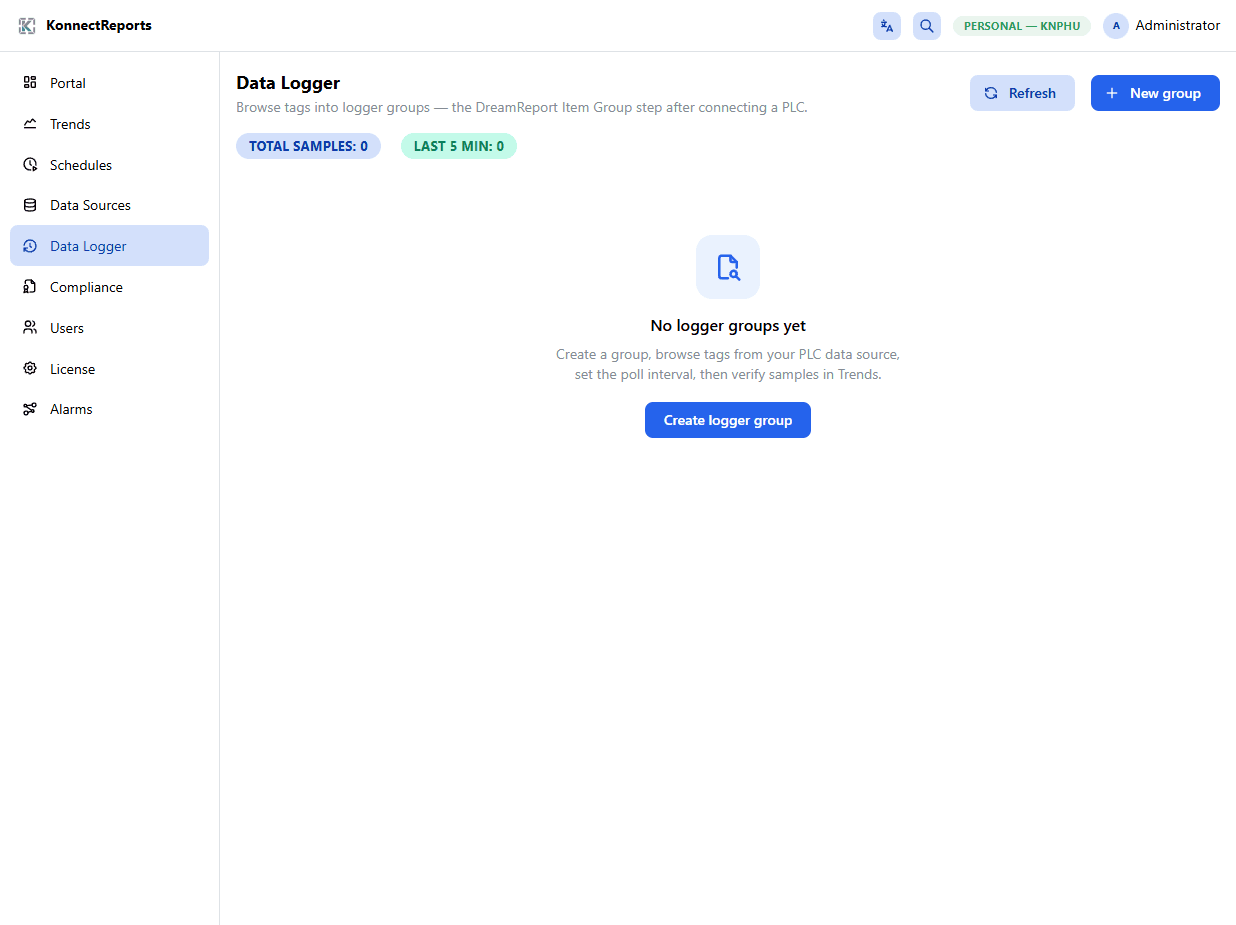
    Create logger groups, set intervals, and verify samples in Trends.

  3. 03

    Design the report

    Bind templates to historian queries—not live PLC reads at generate time.

  4. 04

    Schedule delivery

    Run on-demand from the portal or cron PDFs to email/FTP on your network.

Product views

See it in the plant

KonnectReports portal with industrial report templates
KonnectReports Data Logger workspace
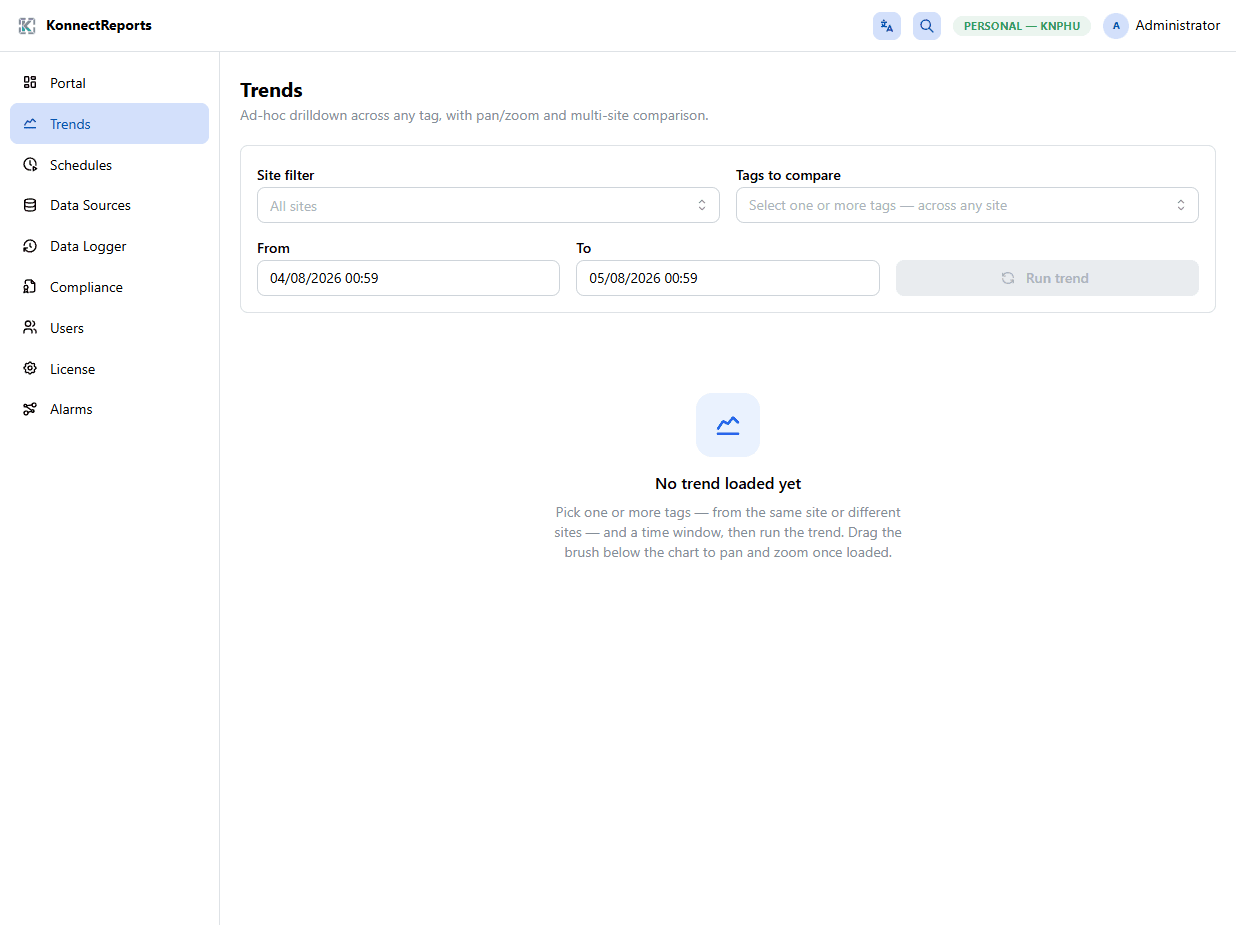
KonnectReports Trends view
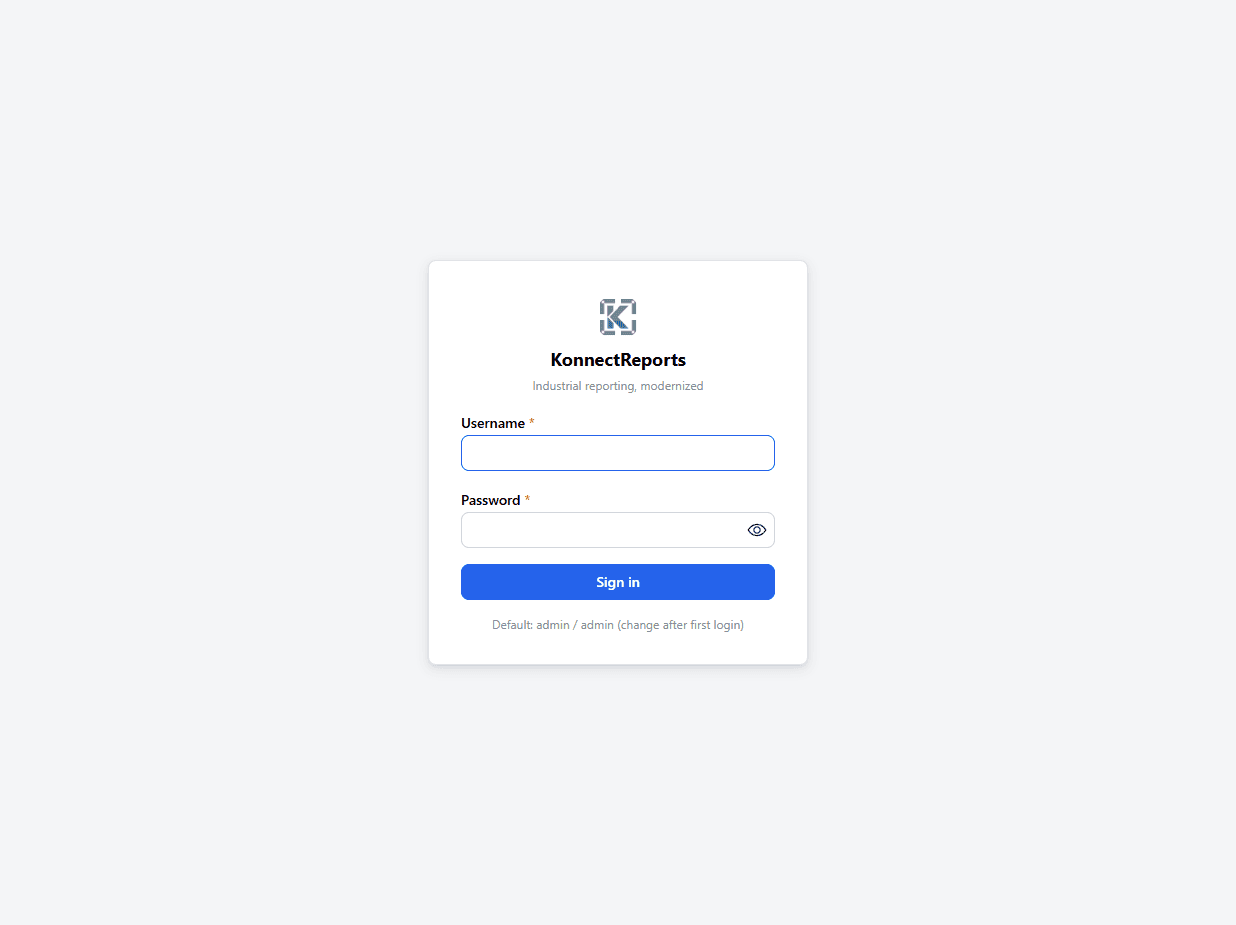
KonnectReports sign-in screen

Want early access?

Tell us about your plant use case. We will notify you when the public release is ready—or discuss a pilot.